EM Adapters
Multi-input controller adapters for the Nintendo 64, GameCube and Wii
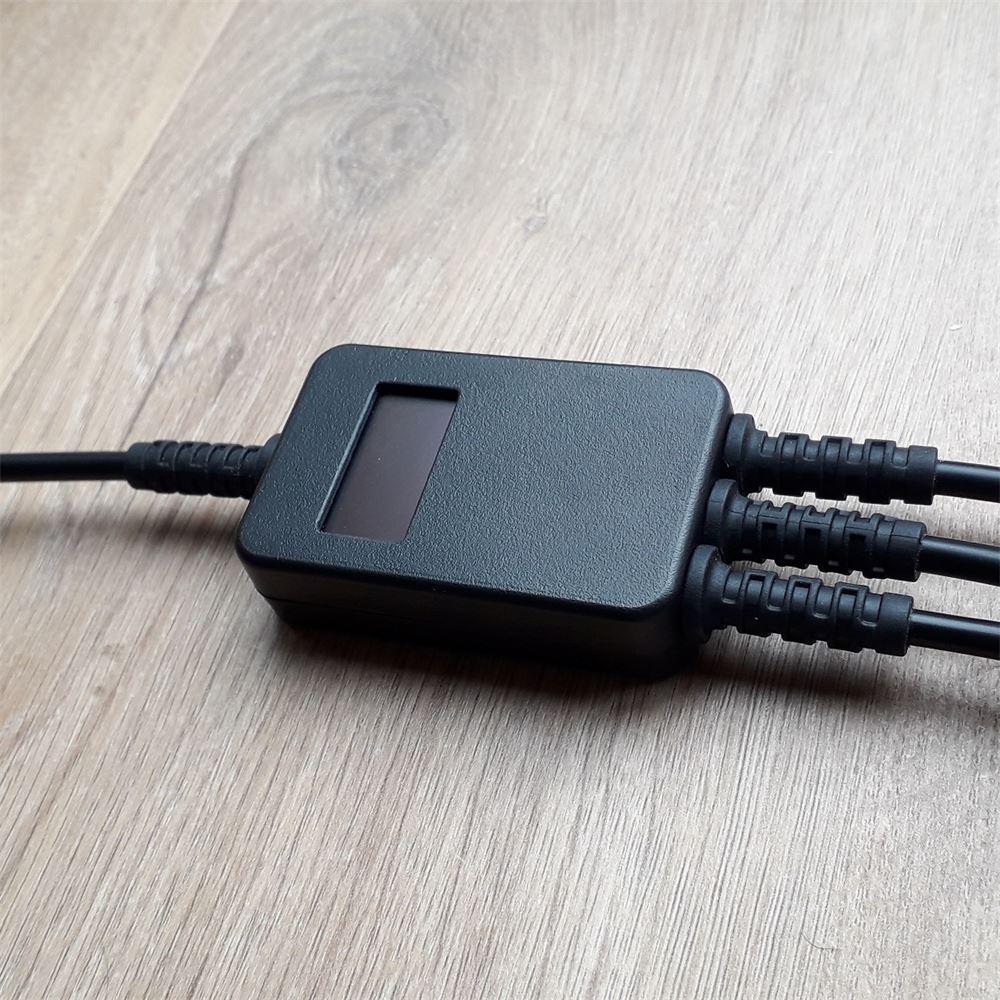
Each adapter has between 1-3 controller input types, and a single console output type

The Adapters

Plugs into a Nintendo 64.
Can support N64, GameCube, and Wii Classic Controllers.
Includes a built-in virtual MemPak with two save banks.
Has Rumble Pak pass-through for a N64 controller with a Rumble Pak attached.


Plugs into a GameCube controller port, for a GameCube or a Wii with GameCube ports.
Has Wii VC stick correction for all 21 Wii VC N64 titles.
Also has stick correction for the GameCube re-releases of Ocarina of Time and Majora's Mask.
Supports rumble for GameCube controllers, and Rumble Pak for N64 controllers.
Plugs into the Wii Remote's extension port, for Wii & Wii U.
Also works with NES/SNES Classic Edition Mini consoles.
Has Wii VC stick correction for all 21 Wii VC N64 titles.
Also has stick correction for the Wii U Virtual Console re-release of Ocarina of Time.
Shared Features
General Features
- Accepts up to 3 controller input types - Nintendo 64, GameCube, and Wii Classic Controller.
- Fast and easy settings management via the onboard OLED display & over USB.
- Built-in input display feature, streamed over USB and viewable in EMSpy or NintendoSpy.
- Very low input lag, with a default polling-rate of 1000 Hz (adjustable).
- Matching V2.x.x firmware versions, with parallel development and updates.
- A common device menu across devices, with mostly the same menus & settings, for ease of use.
- One-click firmware updates through EMSpy. For new features, more compatibility, etc.
Latest Firmware Features
- Fully customisable button mappings, with 4 renamable presets for quickly changing games.
- Notch Calibration allowing consistent range and angles on any controller.
- Soft / Hard analog trigger modes with adjustable threshold (for analog triggers).
- Rapid Trigger feature, for reducing physical latency when releasing + re-pressing an analog trigger.
- ESS adapter features for customising ESS range when playing the Legend of Zelda titles.
- Auto Switch feature, for quickly swapping between N64 and GameCube controllers.
- N64 Memory Pak management via EMSpy (if you have the N64 controller input).
For more details about any of these features, and how to use them - please see the manual.
Which adapter do I have?
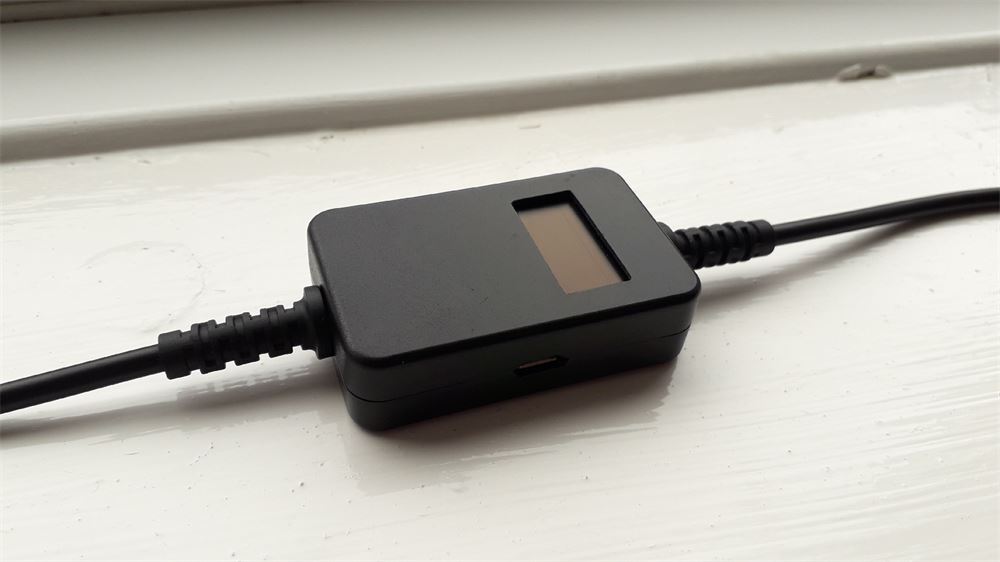
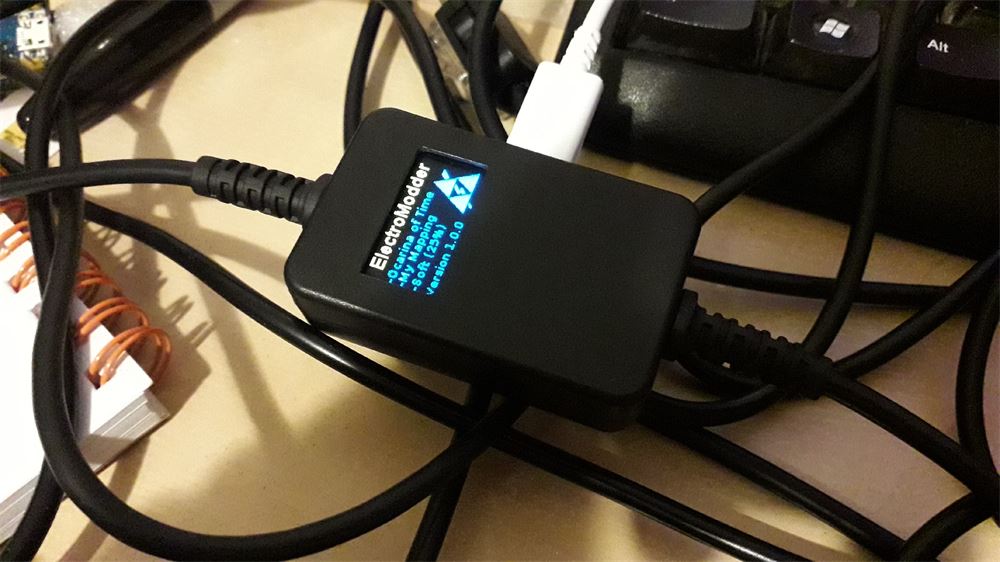
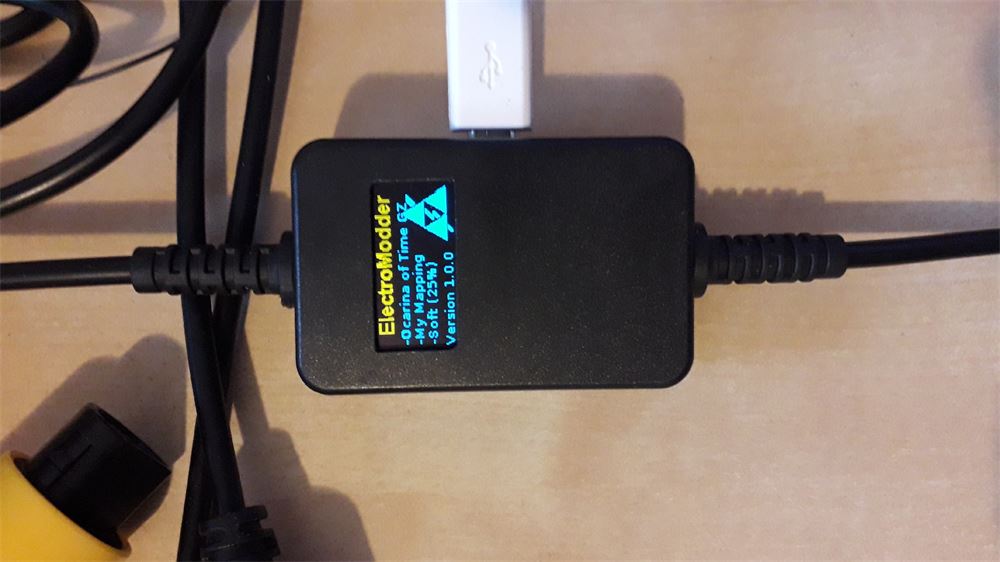
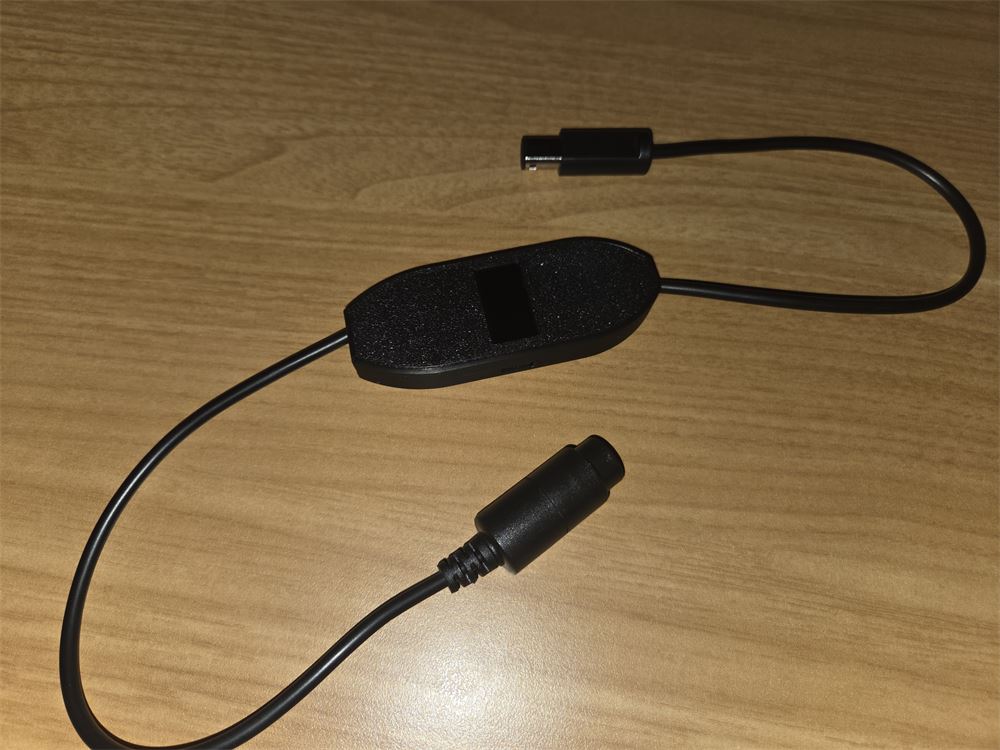
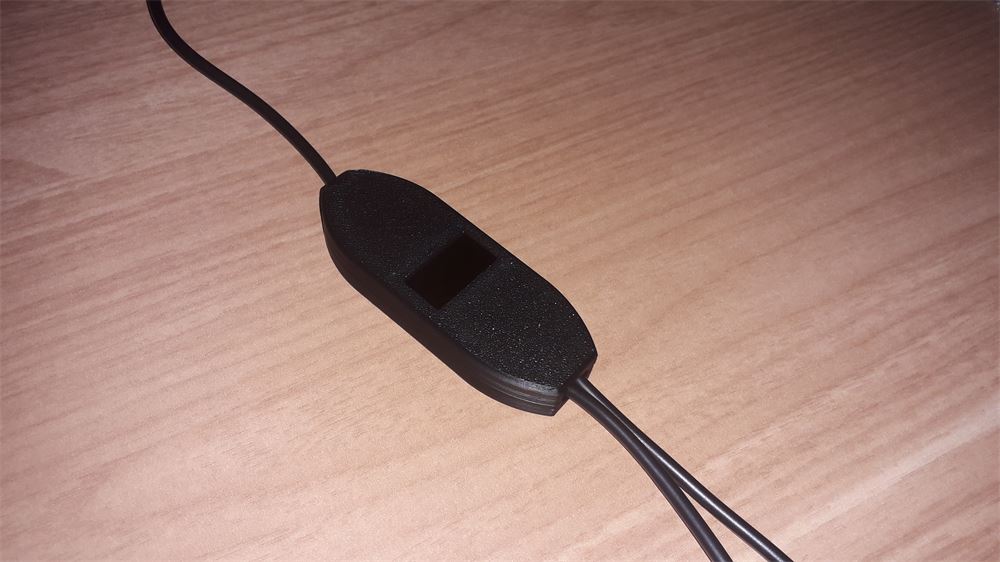
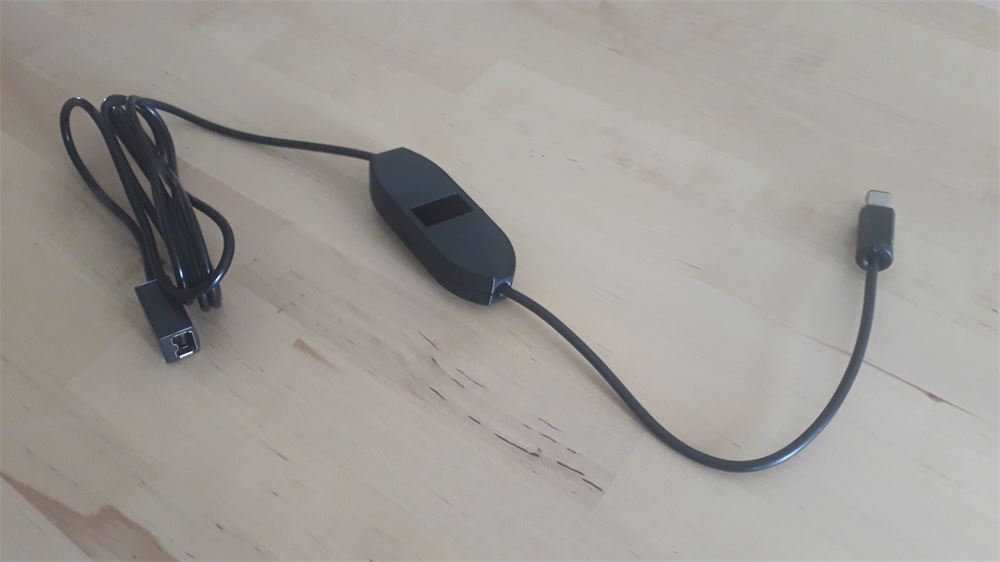
My controller adapters have gone through a few hardware revisions. Compare your device against the photos below to identify which one you have:
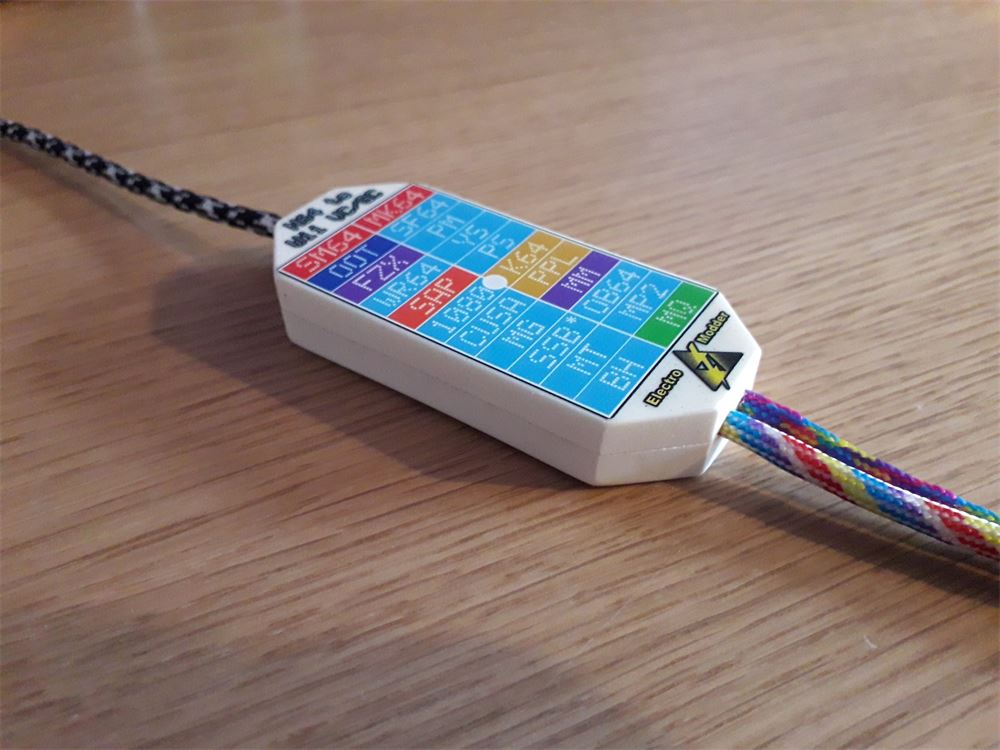
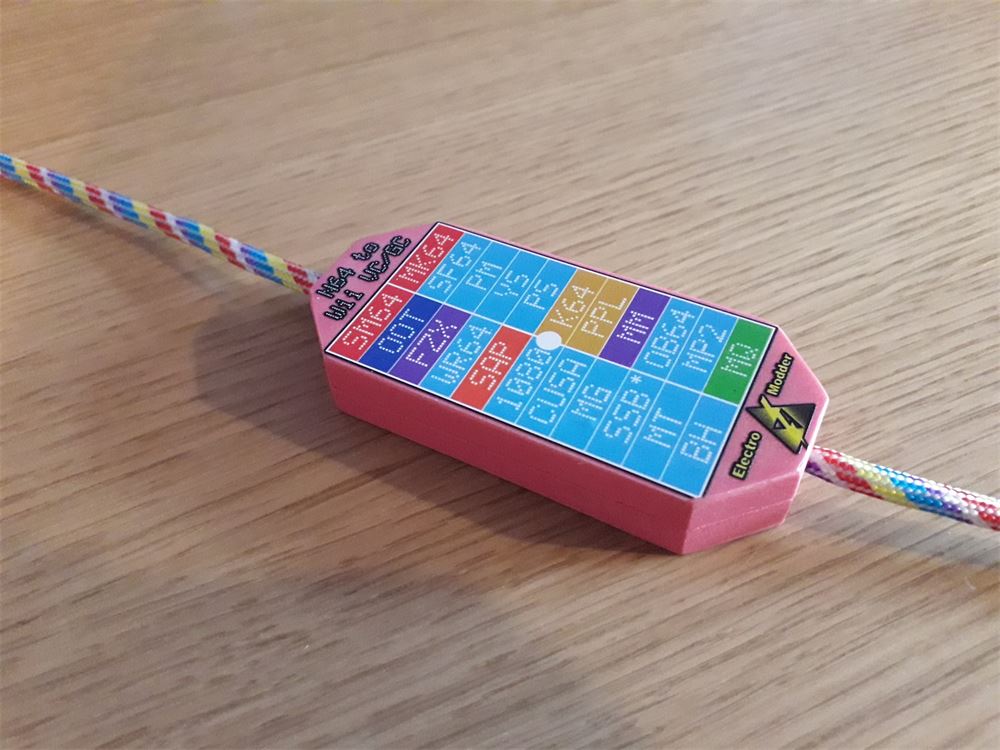
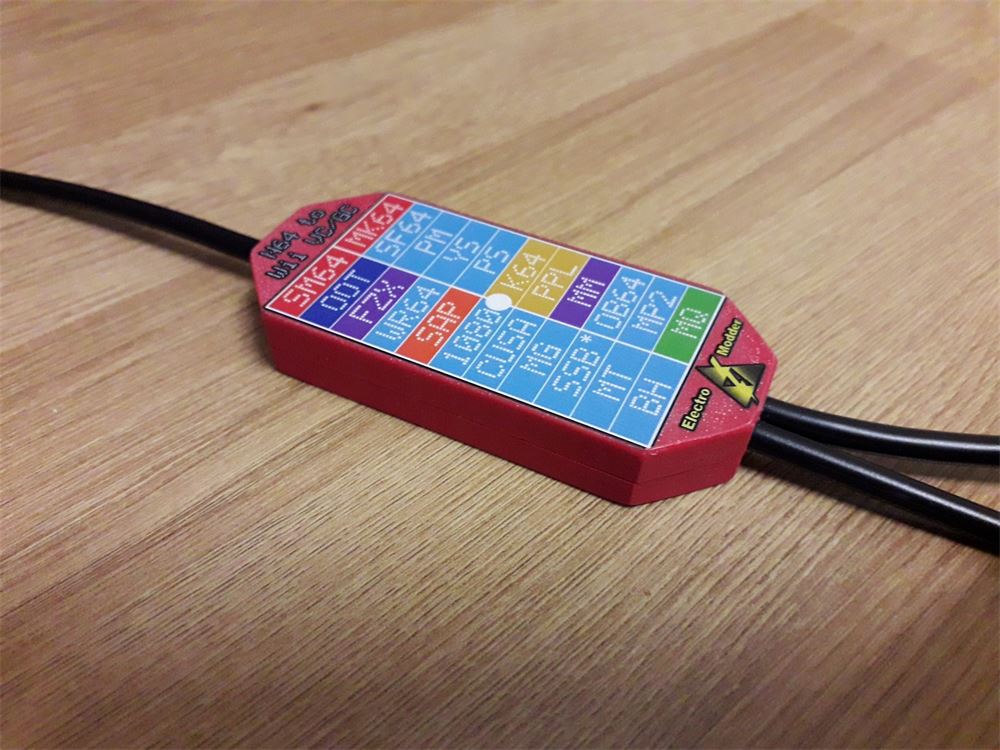
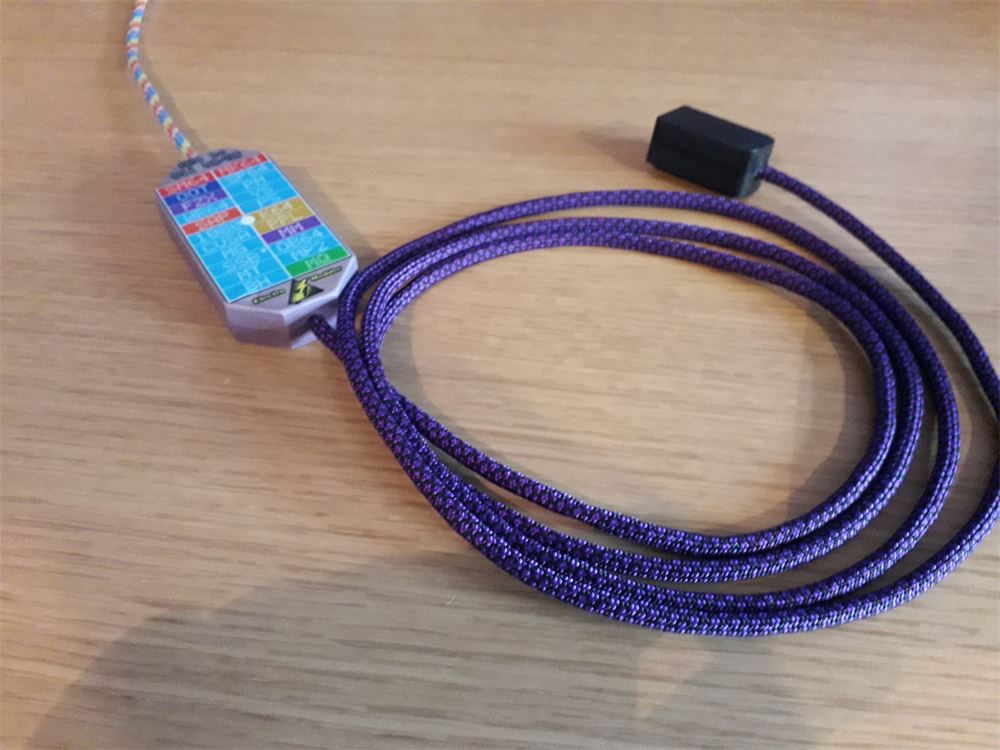
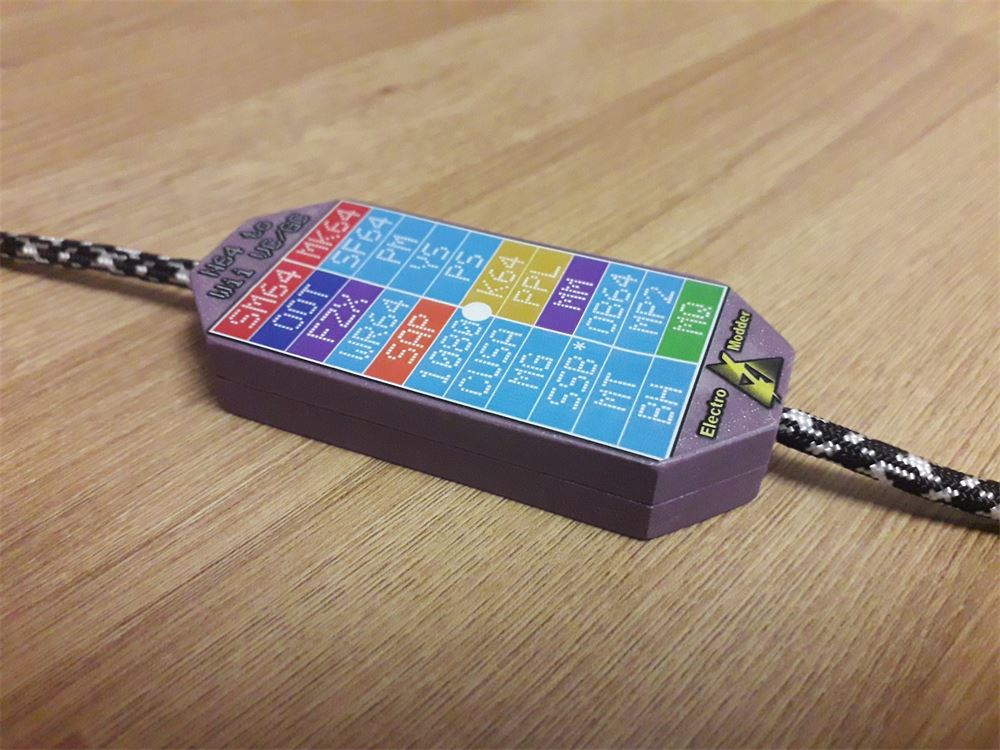
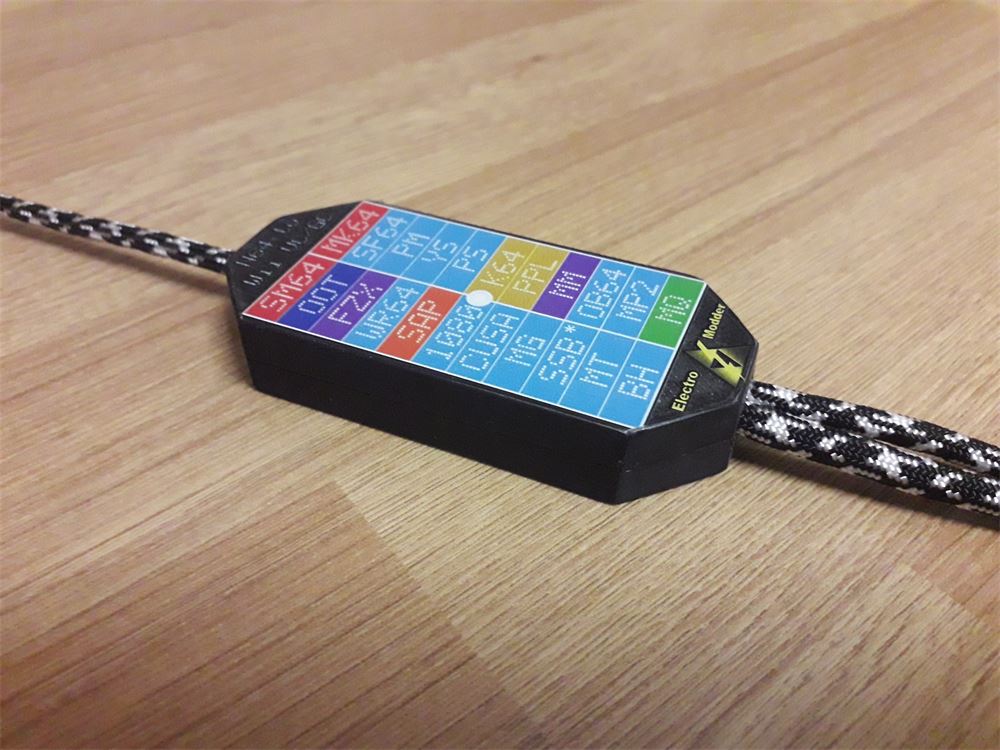
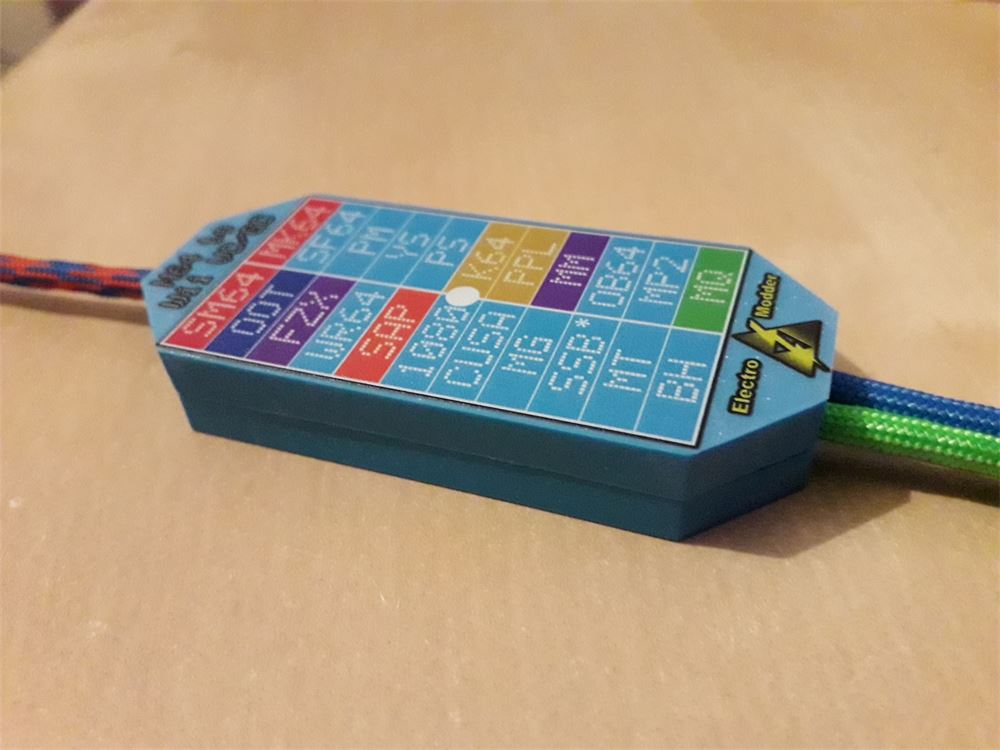
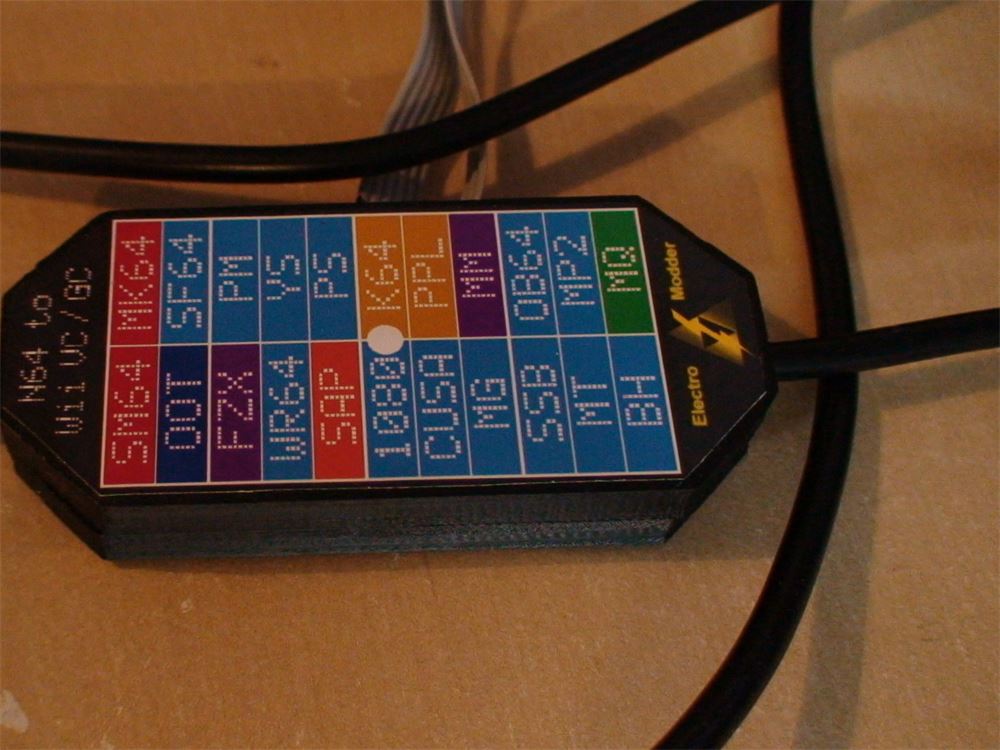
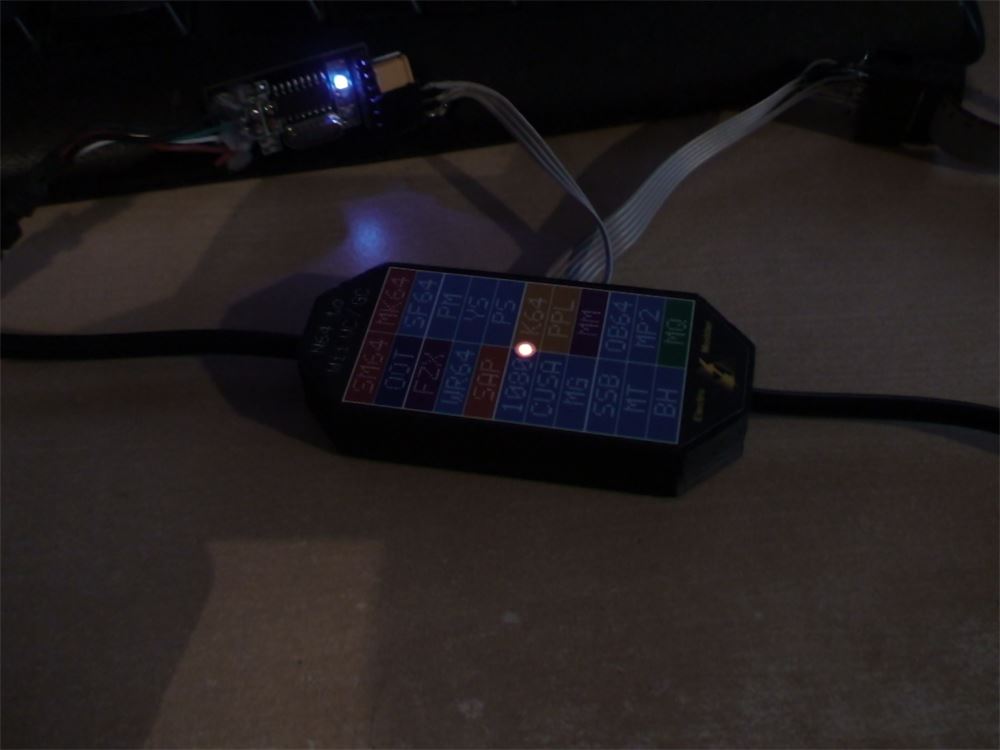
V1 Adapter
The original, first-generation Wii VC adapter from Kickstarter.
Supported controllers:
- Nintendo 64 Controller
- GameCube Controller
LED colour indicates the game.
Black 3D-printed, or colourful resin enclosure, with optional paracorded cables.
See the V1 Adapter details and V1 manual.
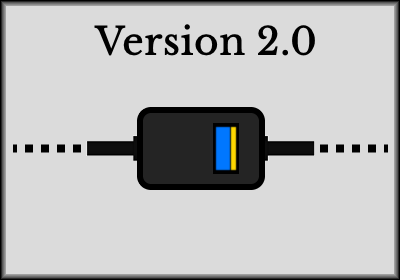
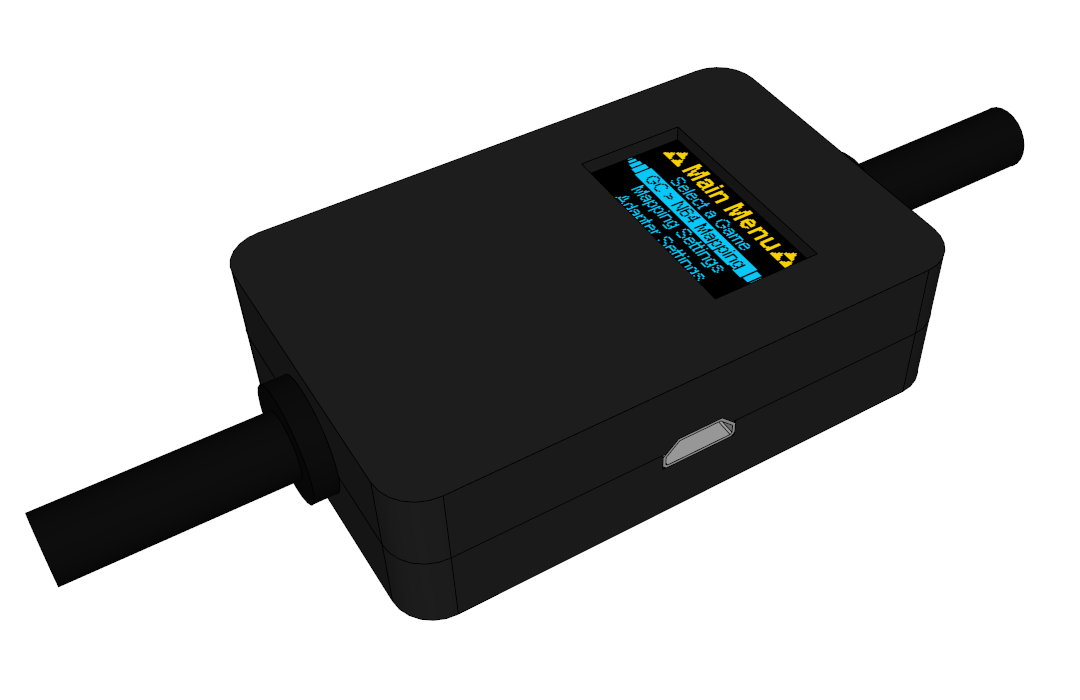
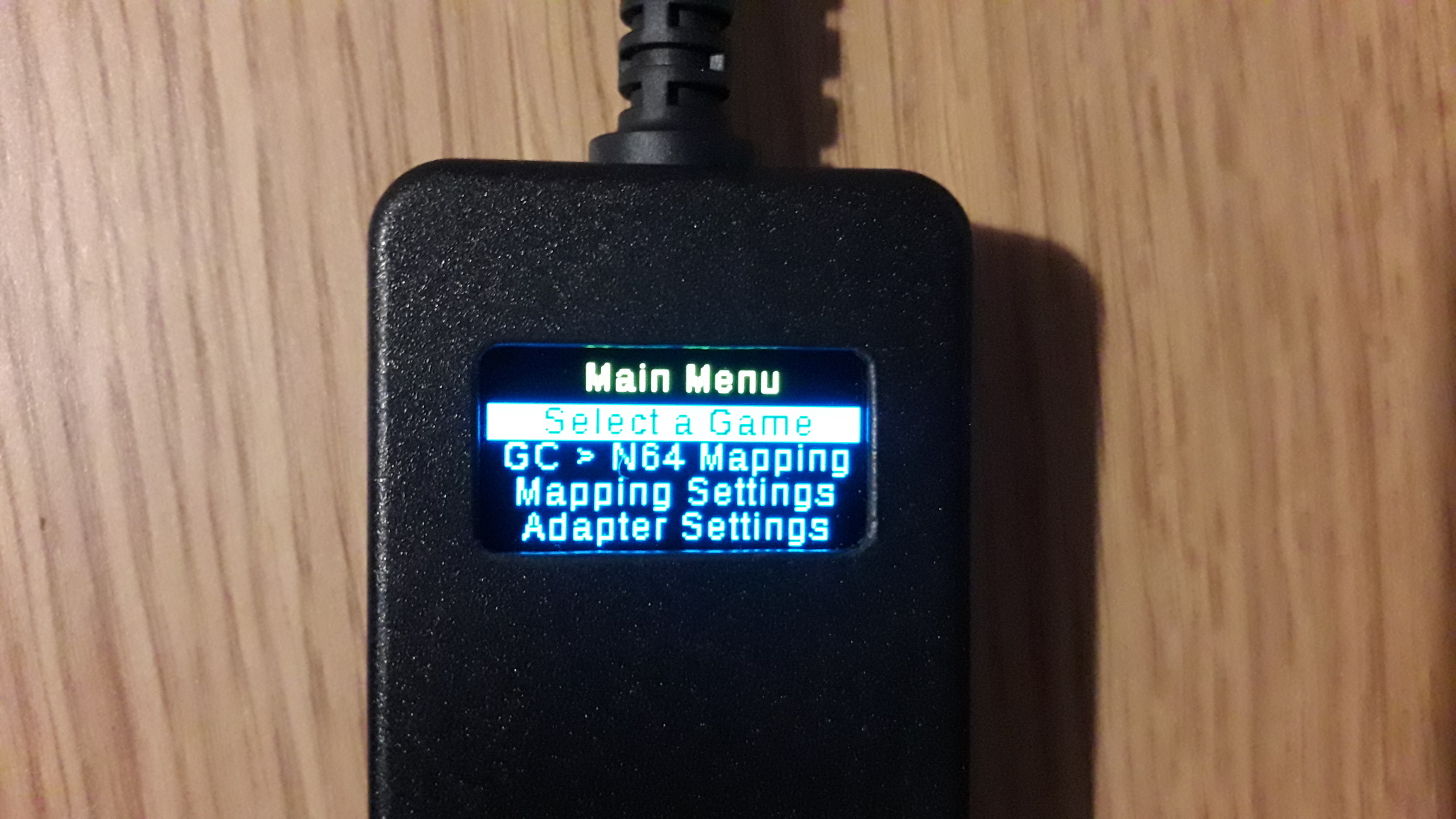
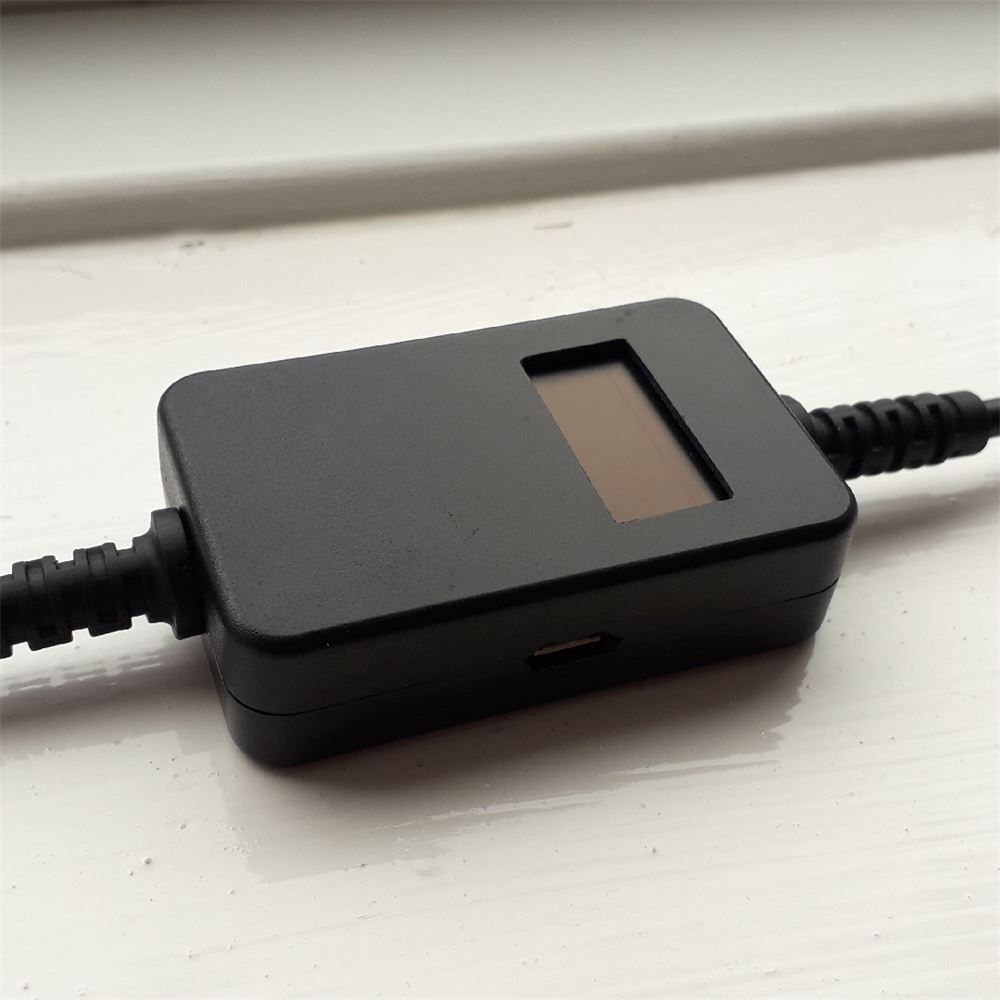
V2.0 Adapter
Previous EM Adapter hardware, with a micro-USB port.
Supported controllers:
- Nintendo 64 Controller
- GameCube Controller
- Wii Classic Controller
OLED yellow + blue display with menu for changing settings.
Black factory-made enclosure, with rubber strain relief grommets for cables.
Similar hardware and same capabilities as V2.1, but with a micro-USB port.
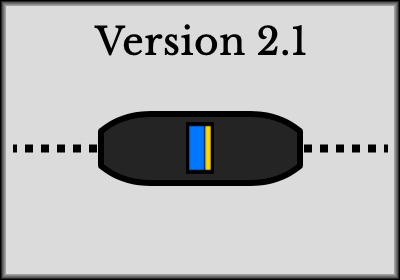
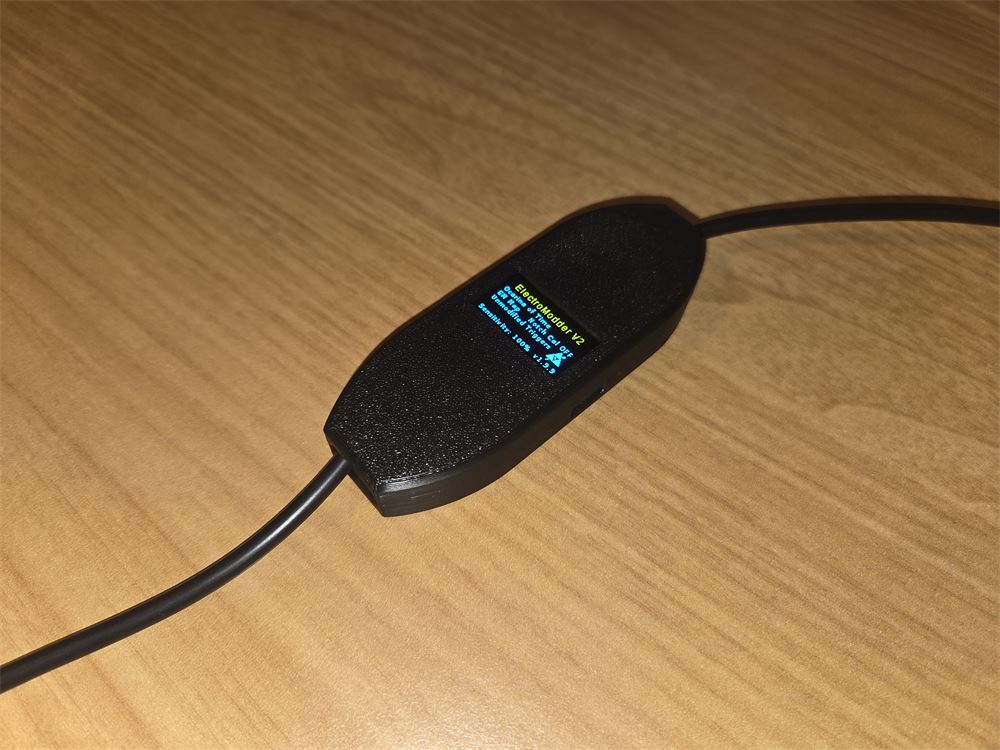
V2.1 Adapter
Current EM Adapter hardware, with a USB-C port.
Supported controllers:
- Nintendo 64 Controller
- GameCube Controller
- Wii Classic Controller
OLED yellow + blue display with menu for changing settings.
Black 3D-printed enclosure, with a longer body and improved build quality for cable security.
Similar hardware and same capabilities as V2.0, but with a USB-C port.
Which firmware do I have?
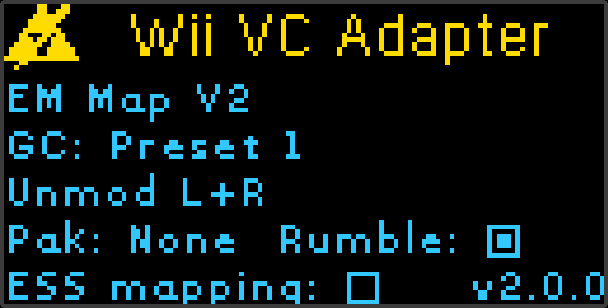
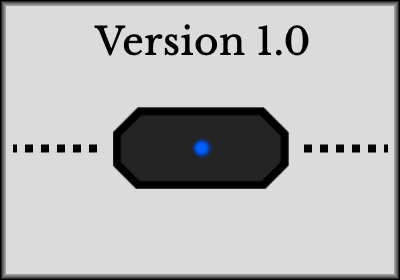
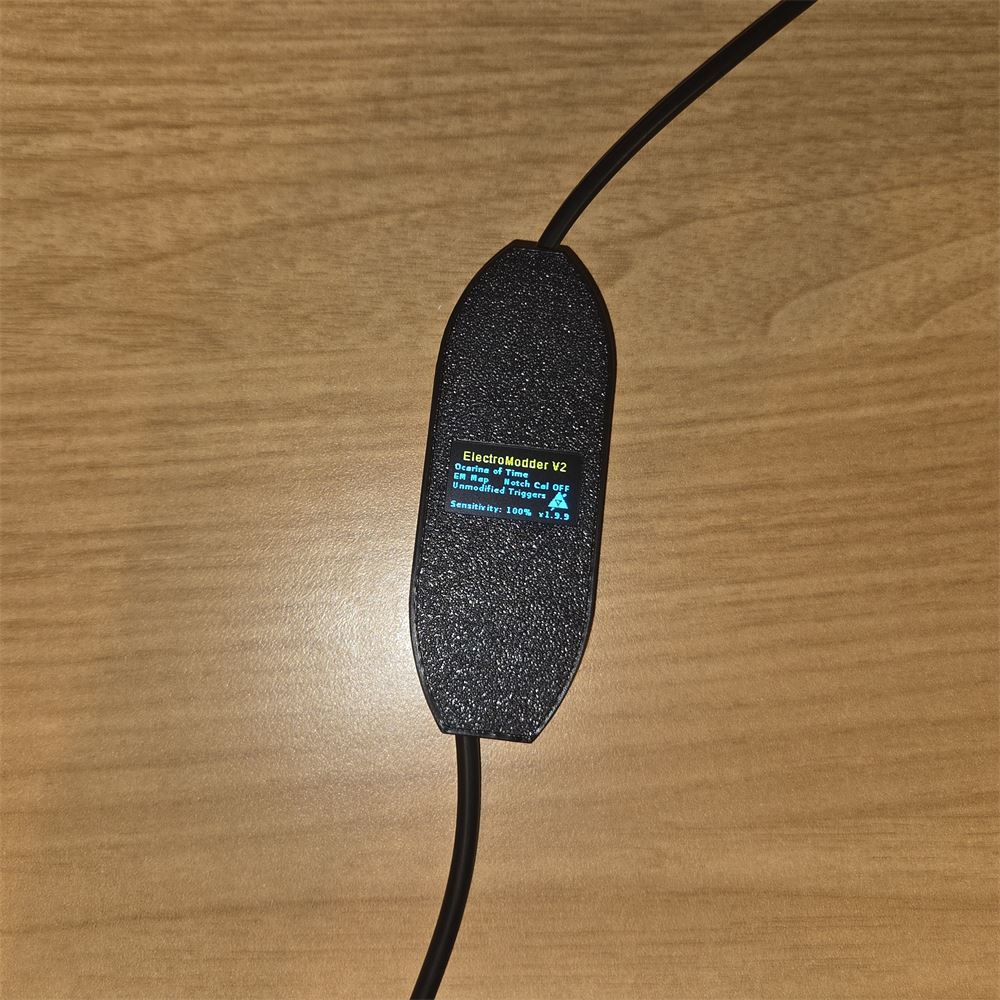
The firmware version is shown in the bottom corner of the splash screen (shown here), and in the About section of the adapter menu.
V1.x.x firmware devices have to be migrated to V2.x.x firmware using the legacy EM Firmware Flasher tool (see below).
V2.x.x firmware devices use EMSpy V2 to update (see below).